How to order Guzman y Gomez for delivery
There is more than one way to get GYG food to your door, and the channel you choose changes the fee, the wait and sometimes the menu you see. This page compares the GYG App, web ordering and partner apps so you can pick the route that fits your address and the hour.
Three ways to place a GYG order
Each channel reads from the same store data but differs in how you access it, what you can combine in one basket, and who sets the delivery fee. Here is how they compare.
The GYG App
The brand's own ordering channel. Where a store supports it, the app carries that store's current menu, hours and service options. Pickup and delivery sit in the same flow, so you can compare the two without starting over. Because the app is tied to store pages, the availability you see reflects the outlet that actually serves your address.
Web Ordering
Runs on the same basis as the app, without installing anything. It suits a desktop order, a shared office basket or anyone who prefers a larger screen for customising items. The store-specific logic is identical: menu, hours and channels come from the outlet that covers you. If the app shows a store closed, web ordering will too.
Partner Apps
Uber Eats, Menulog and DoorDash carry Guzman y Gomez delivery in various areas. Australia Square, for instance, lists GYG App and Uber Eats among its delivery options, which shows the brand's own channel and a partner can coexist at one address. Partner apps are convenient if you already hold an account or want to combine restaurants in one order.
The same address can show different costs depending on where you order. Fees come from the channel, not the kitchen.
Confirm at checkout on the channel you intend to use.
Comparing fees across channels
Delivery fees are set per zone on the brand's own channels and per partner on third-party apps, so the same address can show different costs depending on where you order. A Bayside order might show a $4.99 fee on a $20 minimum through one route and a different figure through another. There is no single cheapest channel for every suburb. Check the fee at checkout on the channel you intend to use before you commit to it.
Pickup sits in the same flow
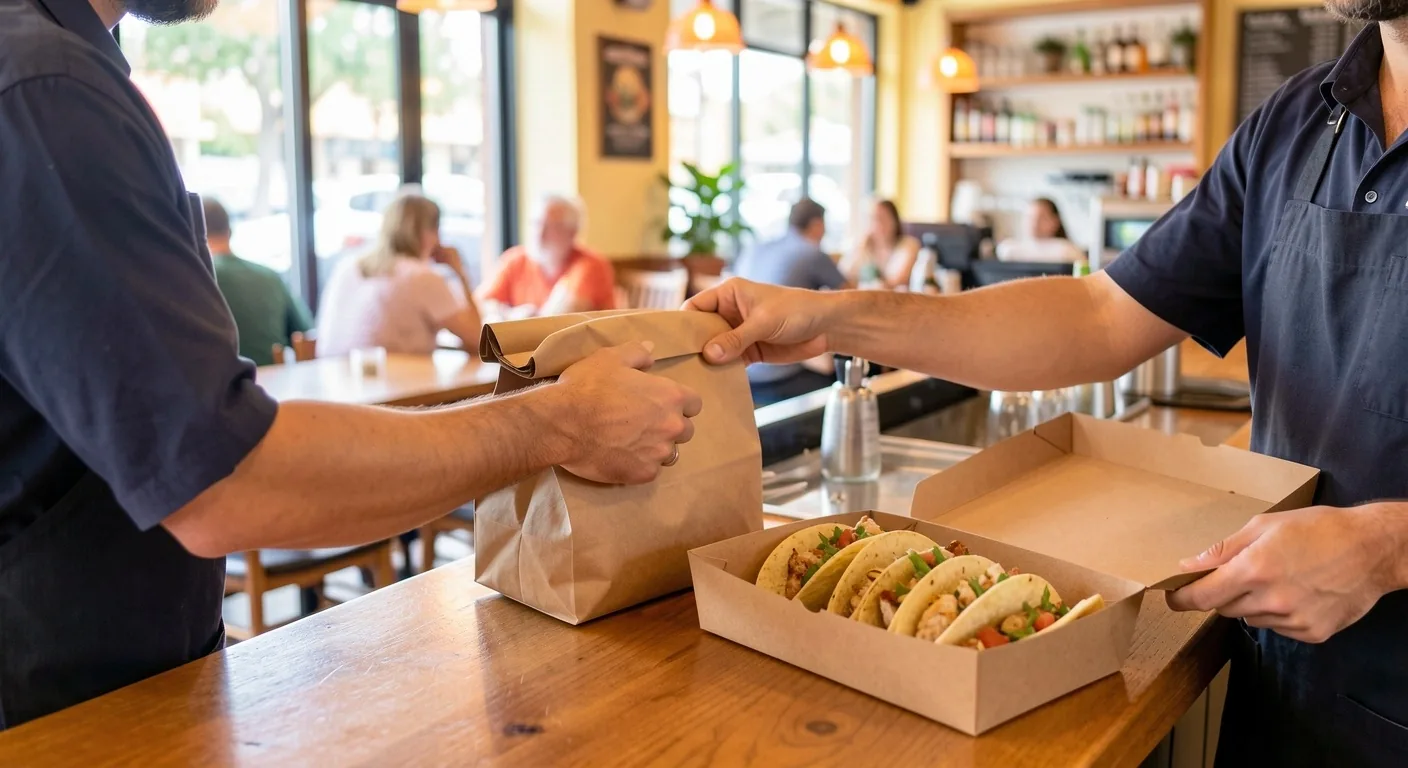
Pickup is offered alongside delivery at stores that support app and web ordering, which makes the comparison easy. Choosing pickup removes the delivery fee and drops the wait to kitchen time plus your own trip. It also sidesteps the minimum spend, so a small order that would not qualify for delivery is still possible.
- You are within a short drive of the store
- Your basket is under the delivery minimum
- You want the food sooner than a driver can bring it
Customising the order
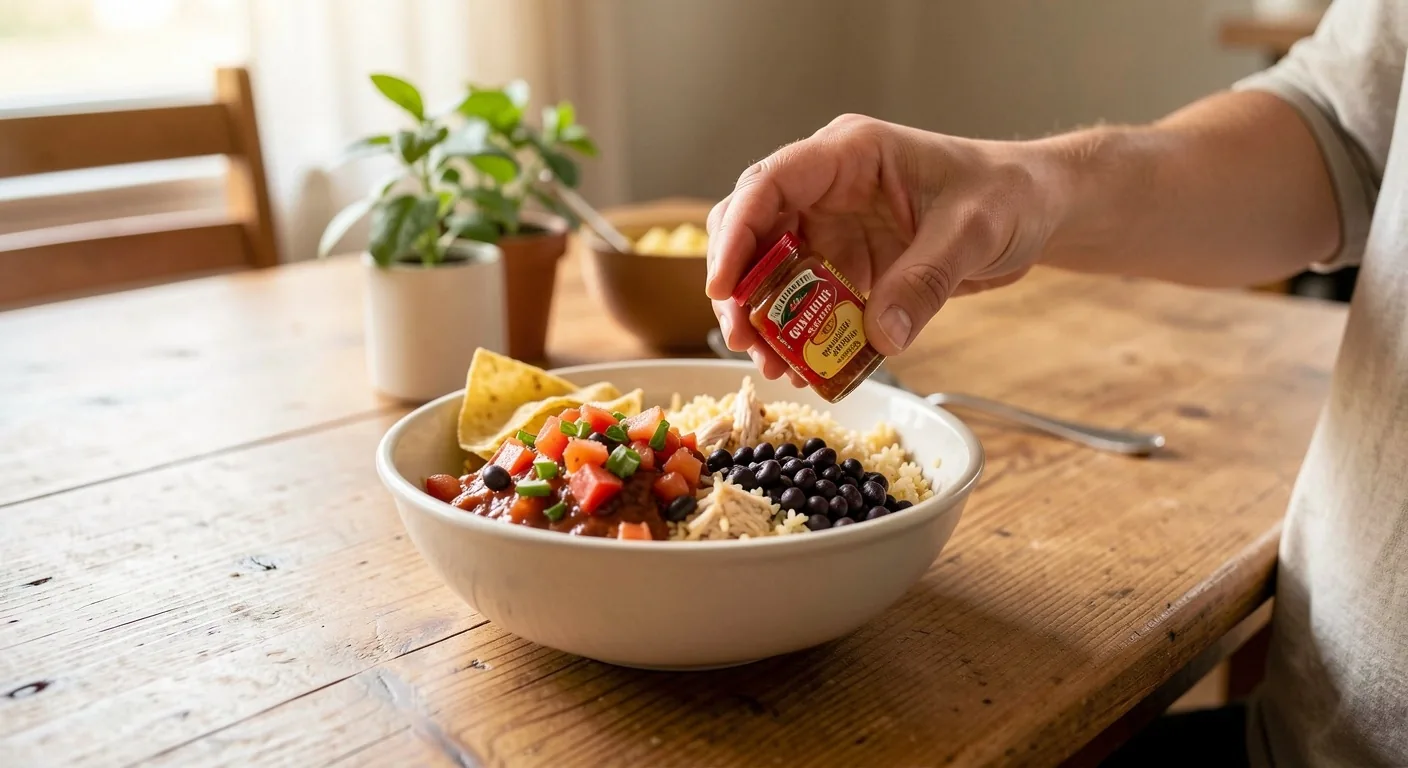
Protein, rice, beans and salsa are set at the kitchen when the order is built, so they are worth getting right before you pay. Hot sauce and extra salsa keep working after delivery, since they let you adjust heat at the table. Add them as separate items rather than relying on default settings.
The last point of control is the confirm button. After that the order belongs to the kitchen and the driver.
Range
What happens after you tap order
Once an order is placed, the kitchen prepares it and hands it to the driver, whether that driver is booked through the brand's own channel or a partner. From that point the estimated delivery time applies, and it is a range rather than a fixed arrival. You will not be able to change the order after preparation begins. Check the address, the items and the salsa selections before you confirm, because that is the last point of control.
Matching the channel to your situation
Build around burritos
A shared order is easiest on a channel that shows the full store menu and supports multiple items in one basket. Build it around burritos and bowls, which travel better than tacos, and keep salsa and hot sauce separate so each person sets their own heat. If the basket is large, compare the delivery fee against a pickup run.
Burritos
Check store hours
Hours vary by store, and selected locations trade very long hours, including late-night and some early-morning service. If your order is outside normal trading, confirm the specific store's hours on its location page. A store that is closed will not offer ordering on any channel. Late ordering works when the kitchen is open; it does not extend a store's hours.
No order
Try the next store
If your address falls outside a store's delivery zone, delivery will not be offered at that store, regardless of the app you use. The fix is to check the next nearest outlet's zone, switch to pickup, or order at a location you can reach. Delivery coverage follows store mapping, not postcode alone, so an address near a boundary can behave differently from one a street away.
Store map
Which channel fits your order
None of these is right in every case. The correct choice depends on your address, the hour and how much you value not driving.
Ordering questions answered
Can I switch from delivery to pickup after placing an order?
Do partner apps and the GYG App show the same menu?
Is delivery available everywhere GYG has a store?
Does the estimated delivery time update after I order?
Can I order late at night from any GYG store?
Pick the route that fits your address and the hour.
Shop 12, 450 George Street, Sydney NSW 2000, Australia